
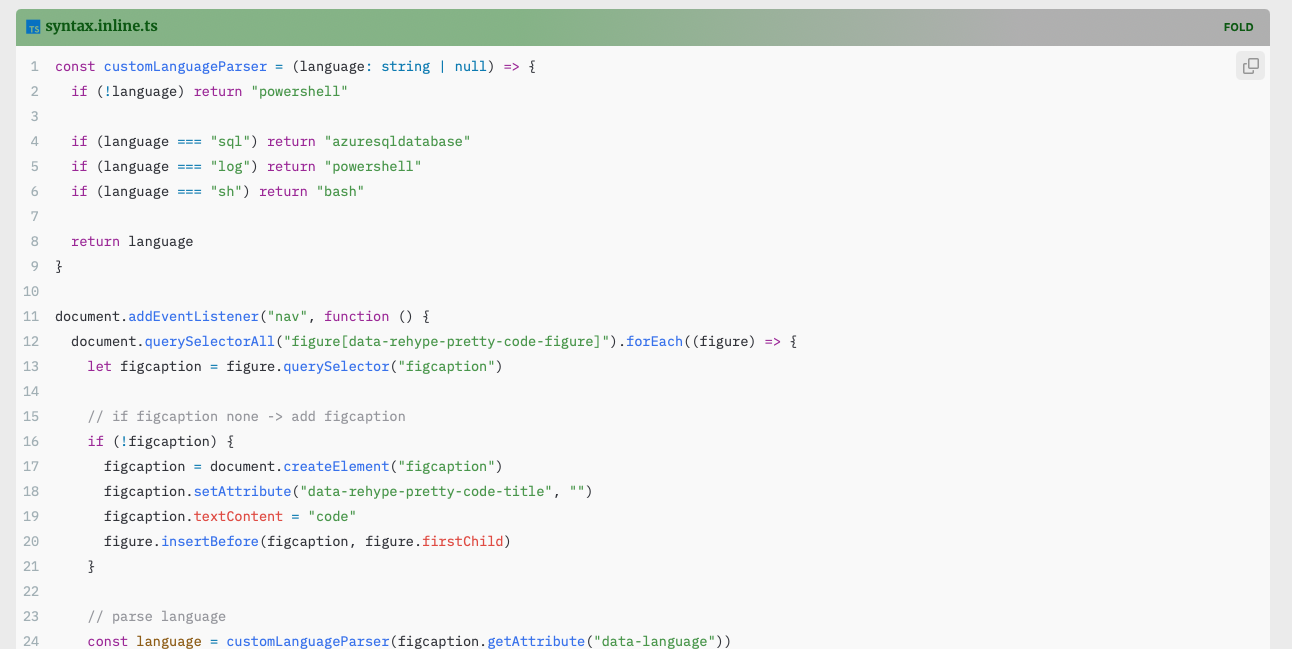
Description
contents 내부의 code를 보기 좋게 만듦.
- CodeBlock
``\`{langauge} title="{codeTitle}" fold
{code}
``\`- InlineCode
`{code{:langauge}}`- Icon
- Langauge & Icon 매칭:
- 일반적인 케이스들은 이름으로 Icon을 바로 매칭시켜줌.
- 예외케이스는
customLanguageParser()를 통해 변환해줌.- sql → azureasqldatabase
- log → powershell
- sh → bash
- 출처:
- Langauge & Icon 매칭:

Devicon
Devicon aims to gather all logos representing development languages and tools in one font. 🚀
Required
none.
Source
JS
path: quartz/components/scripts/custom/syntax.inline.ts
const customLanguageParser = (language: string | null) => {
  if (!language) return "powershell"

  if (language === "sql") return "azuresqldatabase"
  if (language === "log") return "powershell"
  if (language === "sh") return "bash"

  return language
}

document.addEventListener("nav", function () {
  document.querySelectorAll("figure[data-rehype-pretty-code-figure]").forEach((figure) => {
    let figcaption = figure.querySelector("figcaption")

    // if figcaption none -> add figcaption
    if (!figcaption) {
      figcaption = document.createElement("figcaption")
      figcaption.setAttribute("data-rehype-pretty-code-title", "")
      figcaption.textContent = "code"
      figure.insertBefore(figcaption, figure.firstChild)
    }

    // parse language
    const language = customLanguageParser(figcaption.getAttribute("data-language"))

    let titleWrapper = document.createElement("div")
    titleWrapper.className = "code-title-wrapper"

    let title = document.createElement("span")
    title.textContent = figcaption.textContent
    figcaption.textContent = ""

    // add language Icon
    let languageIcon = document.createElement("i")
    languageIcon.className = `devicon-${language}-plain colored`

    titleWrapper.insertBefore(title, titleWrapper.firstChild)

    titleWrapper.insertBefore(languageIcon, titleWrapper.firstChild)

    figcaption.insertBefore(titleWrapper, figcaption.firstChild)

    // add toggle Button
    let toggleButton = document.createElement("button")
    toggleButton.className = "fold-button"
    toggleButton.textContent = "OPEN"
    let pre = figure.querySelector("pre")
    if (!pre) return
    pre.style.display = "none"
    figcaption.onclick = function () {
      if (pre.style.display === "none") {
        pre.style.display = "block"
        toggleButton.textContent = "FOLD"
      } else {
        pre.style.display = "none"
        toggleButton.textContent = "OPEN"
      }
    }

    figcaption.appendChild(toggleButton)
  })
})

document.addEventListener("nav", function () {
  document.querySelectorAll("span[data-rehype-pretty-code-figure]").forEach((span) => {
    const code= span.querySelector("code")
    if (!code) return

    // parse language
    const language = customLanguageParser(code.getAttribute("data-language"))

    let languageIcon = document.createElement("i")
    languageIcon.className = `devicon-${language}-plain colored`

    code.insertBefore(languageIcon,code.firstChild)
  })
})
CSS
path: quartz/styles/custom/syntax.scss
figure[data-rehype-pretty-code-figure] {
  margin: 0;
  border-radius: 5px;
  position: relative;
  line-height: 1.6rem;
  position: relative;
  background: linear-gradient(to right, #8fbc8f 40%, var(--gray) 80%);

  .clipboard-button {
    background-color: #eeeeee;
    border: none;
  }
  & > [data-rehype-pretty-code-title] {
    margin: 10px;
    font-family: var(--codeFont);
    font-size: 0.9rem;
    width: fit-content;
    border-radius: 5px;
    color: var(--gray);
  }

  & > pre {
    padding: 0;
    border: none;
    margin-top: -0.5rem;
  }
}

pre {
  font-family: var(--codeFont);
  padding: 0 0.5rem;
  overflow-x: auto;
  border: 1px solid var(--lightgray);
  position: relative;

  &:has(> code.mermaid) {
    border: none;
  }

  code[data-line-numbers] {
    counter-reset: line;
  }

  code[data-line-numbers] > [data-line]::before {
    counter-increment: line;
    content: counter(line);

    /* Other styling */
    display: inline-block;
    width: 0.75rem;
    margin-right: 2rem;
    text-align: right;
    color: gray;
  }

  code[data-line-numbers-max-digits="2"] > [data-line]::before {
    width: 1.25rem;
  }

  code[data-line-numbers-max-digits="3"] > [data-line]::before {
    width: 1.75rem;
  }

  code[data-line-numbers-max-digits="4"] > [data-line]::before {
    width: 2.25rem;
  }

  & > code {
    background: none;
    font-size: 0.85rem;
    counter-reset: line;
    counter-increment: line 0;
    display: grid;
    padding: 0.5rem 0;
    overflow-x: auto;

    & [data-highlighted-chars] {
      background-color: var(--highlight);
      border-radius: 5px;
    }

    & > [data-line] {
      padding: 0 0.25rem;
      box-sizing: border-box;
      border-left: 3px solid transparent;

      &[data-highlighted-line] {
        background-color: var(--highlight);
        border-left: 3px solid var(--secondary);
      }

      &::before {
        content: counter(line);
        counter-increment: line;
        width: 1rem;
        margin-right: 1rem;
        display: inline-block;
        text-align: right;
        color: rgba(115, 138, 148, 0.6);
      }
    }

    &[data-line-numbers-max-digits="2"] > [data-line]::before {
      width: 2rem;
    }

    &[data-line-numbers-max-digits="3"] > [data-line]::before {
      width: 3rem;
    }
  }
}

code {
  font-size: 0.9em;
  color: var(--dark);
  font-family: var(--codeFont);
  border-radius: 5px;
  padding: 0.1rem 0.2rem;
  background: var(--lightgray);
}

figcaption {
  font-family: var(--bodyFont) !important;
  display: flex;
  justify-content: space-between;
  align-items: center;
  width: auto !important;

  i {
    margin-right: 5px;
  }
}

figure[data-rehype-pretty-code-figure] {
  code {
    border-radius: 0;
    border: none;
  }
}

.code-title-wrapper {
  display: flex;
  margin-top: 5px;
  margin-bottom: 5px;
  align-items: center;
  color: darkgreen;
  font-weight: bold;
}

.fold-button {
  margin-left: auto;
  color: darkgreen;
  border: none;
  background-color: rgba(0, 0, 0, 0);
  font-weight: bold;
}

.fold-button {
  transition: transform 0.2s ease-in-out;
}

.fold-button:hover {
  transform: scale(1.1);
}